TeamViewer alternatives for personal use in 2026
Compare TeamViewer alternatives for personal access from a phone: Thumbdesk, Chrome Remote Desktop, RustDesk and more, with setup and free-plan details.

Founder, Thumbdesk · 3 min read
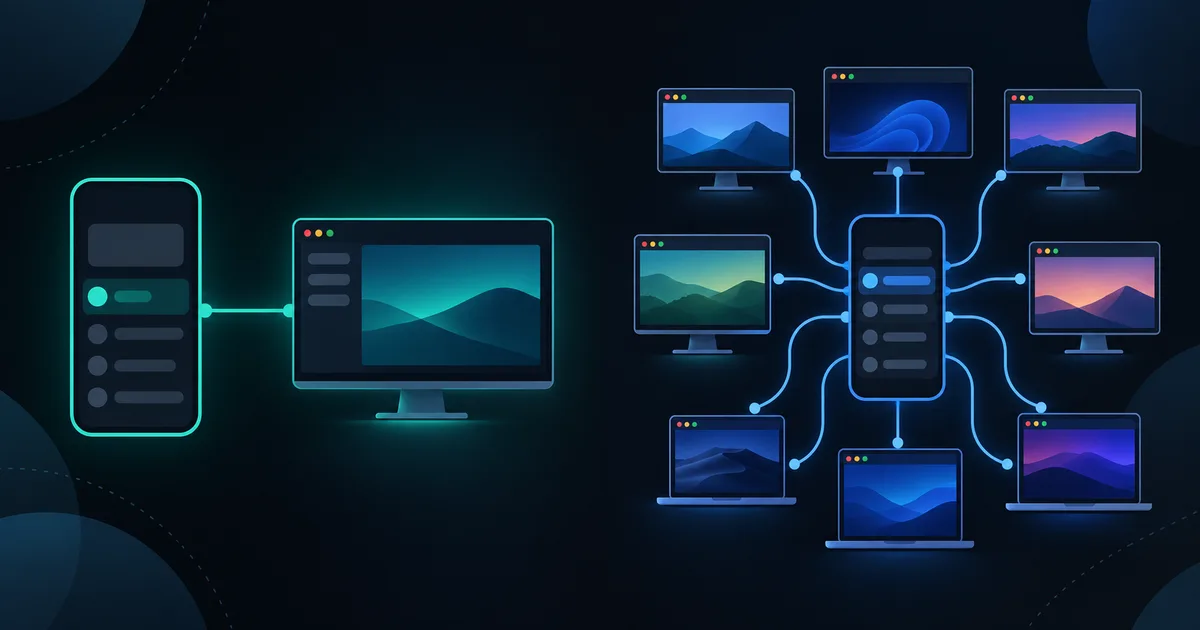
TL;DR: For personal access to your computers from a phone, compare how an app handles screen control, unattended connection and the other tasks you need to finish. Thumbdesk pairs your machine by QR code and combines screen sharing with terminal, files, projects and monitoring. We build Thumbdesk. Chrome Remote Desktop, RustDesk, Splashtop Personal, Windows App and Jump Desktop offer other approaches. This guide explains the differences and how to try a replacement with one computer.
Which TeamViewer alternatives fit personal use?#
First distinguish accessing your own machine from helping someone with theirs. Thumbdesk is built around ongoing access to computers you own or control. Remote-support tools also organise invitations and support sessions for other people.
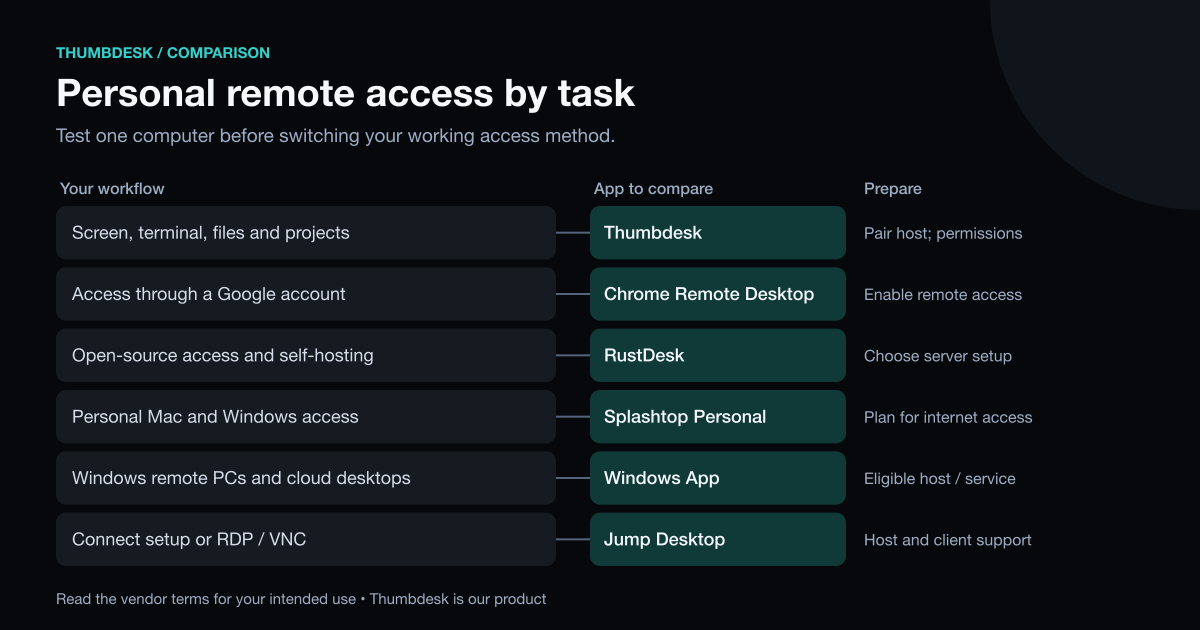
| Alternative | Workflow | Setup or plan detail |
|---|---|---|
| Thumbdesk | Screen, terminal, files and projects from your phone | Pair a host agent; Free includes two machines and two screen minutes per hour |
| Chrome Remote Desktop | Remote access through a Google account | Enable access on the computer |
| RustDesk | Open-source remote desktop and self-hosting | Choose the connection infrastructure you want to use |
| Splashtop Personal | Access to personal Mac and Windows computers | Local access is free; internet access needs its Anywhere Access Pack |
| Windows App | Remote Windows PCs and cloud desktops | Check host eligibility and network access |
| Jump Desktop | Connect-based access and RDP/VNC | Check the host setup and client purchase for your platform |
Try Thumbdesk with your own computer#
Install the host agent using the download instructions, run thumbdesk pair and scan the QR code with the phone app. Pairing handles access behind a home router without configuring port forwarding.
Open Screen to control the desktop with trackpad or direct-touch input, zoom and display selection. Use Files to retrieve a document, or open the terminal to inspect a service. For development work, project views include git changes, agent chat and dev-server preview.
Grant the operating system's screen and input permissions while you are at the computer. Keep the host awake, online and running its agent, then test access over mobile data. Some Linux screen-sharing paths require local consent, so check the desktop state you expect to use remotely.
Thumbdesk's terms permit personal and internal business use on devices you own or control. Free includes two hosts; screen sharing has a two-minute-per-hour allowance. Pro removes that allowance. See pricing for the complete limits and purchase options.
Other approaches#
Chrome Remote Desktop offers free remote access through a Google account. RustDesk documents free open-source and paid Pro self-hosted servers, if you want to run the connection infrastructure yourself.
Splashtop Personal supports two personal, non-business computers, with local-network access free and internet access through an extra subscription. Windows App connects to supported remote PCs and Windows cloud services. Jump Desktop provides its Connect setup and RDP/VNC options, with purchases varying by client platform.
Our remote desktop comparison covers those options in more detail.
If TeamViewer flagged personal use#
TeamViewer documents a review process for suspected commercial use. If you want to keep using it and believe the flag is a mistake, follow that process. When comparing another product, check its terms for your actual use; a free personal plan is not automatically a business licence.
Test a replacement before relying on it#
Use one computer first. Connect over mobile data, complete the task you care about and check what happens after a restart or desktop lock. Keep your working access method available while you confirm the replacement.
Download Thumbdesk to try the screen, terminal and files on your own machine. Product details were checked against its implementation; external descriptions use the linked vendor pages, checked on 31 October 2026. See our methodology and corrections.
Figures in this post were read on 31 October 2026 and may have changed since.