Best remote desktop apps for your phone in 2026
Compare remote desktop apps for your phone by task and setup. Use Thumbdesk for screen control, terminal, files and projects on your own computers.

Founder, Thumbdesk · 4 min read
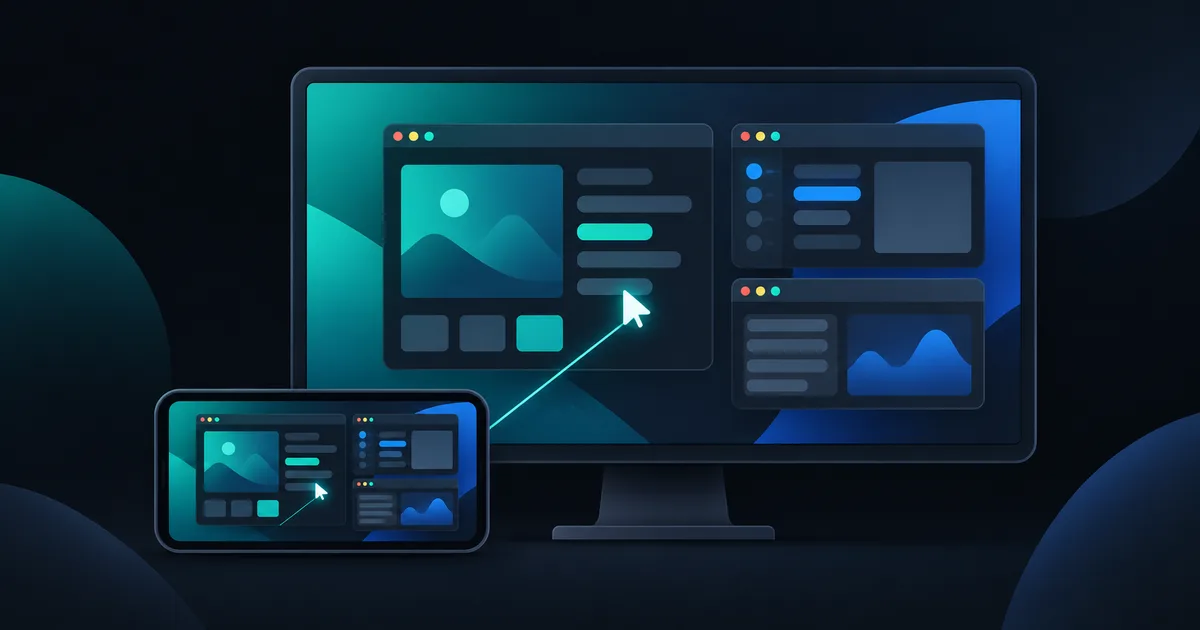
TL;DR: A remote desktop app should let you finish a task on your computer from your phone: check a window, click through a dialog or see what a coding agent built. Thumbdesk offers screen control alongside terminal, files and project tools, so you can choose the view that suits the task. We build Thumbdesk. Below, we show that workflow and compare Chrome Remote Desktop, TeamViewer, AnyDesk, Windows App, Splashtop, Jump Desktop and RustDesk by setup and use case.
What is the best remote desktop app for your phone?#
Start with the computer you need to reach and the task you want to finish. Accessing your own workstation, helping a family member and connecting to a Windows remote session can call for different tools. Also check how the app handles touch input, keyboard shortcuts, display selection and unattended access on your host system.
Use your computer's screen with Thumbdesk#
Pair the Thumbdesk host agent on your Mac, Windows PC or Linux machine with the iOS or Android app. Open the host and choose Screen. The paired connection handles access behind a home router without port forwarding.
In the viewer, you can:
- Move the pointer with trackpad controls or tap directly where you want to click.
- Pinch to zoom and switch between the host's displays.
- Use system keys and shortcuts from the keyboard bar.
- Copy and paste between devices, and enable host audio where supported.
For example, you can open an app's settings, inspect a chart or check the desktop version of something your coding agent just changed. Switch to Files to retrieve the result, or to the project's terminal to run another command. Those views use the same host connection.
Set up screen permissions before leaving#
Follow the installation steps on the download page, pair the computer and try the viewer while you are there. On macOS, grant Screen Recording permission for capture and Accessibility permission for input. Linux needs a graphical session, and some capture methods ask for local consent.
Keep the host awake and online with the agent running. Test the connection over mobile data, including any desktop state you expect to use remotely. Screen access depends on the operating system's permissions and session state.
What is included for free?#
Thumbdesk Free supports two machines and includes two minutes of screen sharing per hour, shared across screen sessions on the phone. Terminal, files and live stats are also included, with their own plan limits. Pro removes the screen-time allowance and costs $4.99 a month or $39.99 a year; Lifetime is $99 once. See pricing.
Compare the alternatives by task#
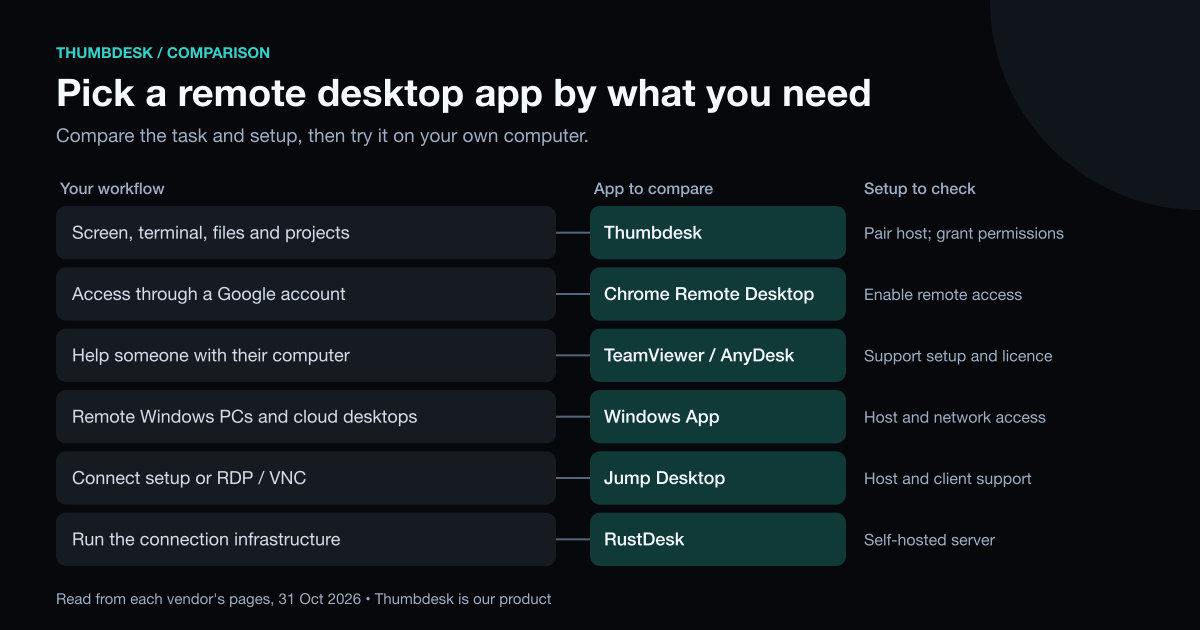
| App | A reason to consider it | Setup or plan detail to check |
|---|---|---|
| Thumbdesk | Screen control, terminal, files and projects from a phone | Pair its host agent and grant screen/input permissions |
| Chrome Remote Desktop | Free remote access through a Google account | Enable remote access on the computer |
| TeamViewer or AnyDesk | Support sessions and access to other people's computers | Check unattended-access setup and personal/business licensing |
| Windows App | Microsoft's client for remote PCs and cloud desktops | Check host eligibility, the service you use and network access |
| Splashtop Personal | Access to personal Mac and Windows computers | Free on the local network; Anywhere Access is an extra subscription |
| Jump Desktop | Remote access through its Connect app, with RDP/VNC options | Check host support and the purchase for your client platform |
| RustDesk | Open-source remote desktop with self-hosting options | Choose the hosted setup or run your own server |
Chrome Remote Desktop#
Google's guide covers enabling remote access on your computer and connecting from another device. It is a free option tied to a Google account. Check the mobile instructions for the device you use.
TeamViewer and AnyDesk#
These offer remote-support workflows as well as access to your own computers. Check TeamViewer's personal-use rules and AnyDesk's current options for your intended use. Our TeamViewer alternatives guide discusses that choice in more detail.
Windows App#
Windows App connects to remote PCs and Windows cloud services. Check that your PC can act as a Remote Desktop host and that the phone has a network path to it. A client app alone does not configure remote access on the PC.
Splashtop Personal#
Splashtop Personal covers up to two personal, non-business computers. Local-network access is free; the Anywhere Access Pack is listed at $5.99 a month or $23.99 a year for access over the internet.
Jump Desktop#
Jump Desktop offers its Connect setup and RDP/VNC connections. Its site lists free Windows, Android and web clients, with one-time purchases on Mac and iPhone/iPad. Check the current platform and host support for the connection you want to use.
RustDesk#
RustDesk documents both open-source and Pro self-hosted servers. The open-source server is free; paid server plans add management features. Self-hosting lets you choose the infrastructure and also makes its upkeep your responsibility.
Try the task you actually need#
With Thumbdesk, start by opening the screen and completing one small task. Then try retrieving a file or opening a terminal on that host. That will tell you how the app fits your work more clearly than a feature count.
You can explore the controls in our screen demo, then download Thumbdesk and pair your computer. For terminal-focused work, see our mobile terminal guide.
Product details were checked against the app and host implementation. External descriptions use the vendors' linked pages, checked on 31 October 2026. See our methodology and corrections.
Figures in this post were read on 31 October 2026 and may have changed since.