Get notified when Claude Code or Codex finishes in Thumbdesk
Set up Thumbdesk hooks and phone notifications for Claude Code and Codex. Follow completion events, attention messages and iOS Live Activity.

Founder, Thumbdesk · 3 min read
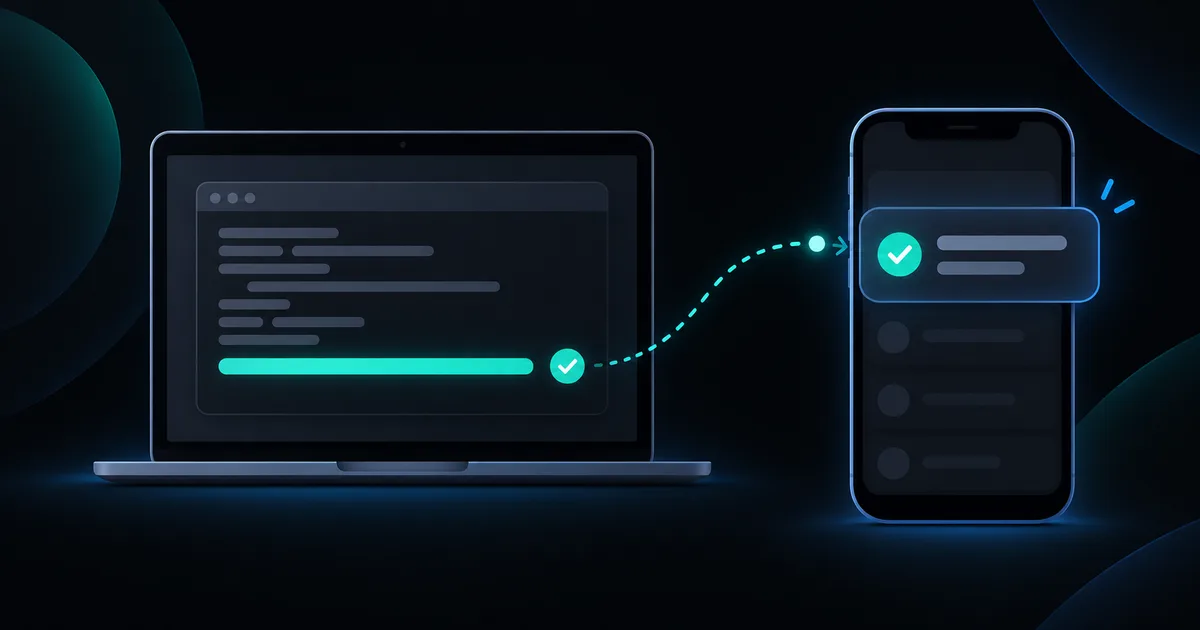
Interactive example
Try an agent notification
Explore the sample chat and iOS Lock Screen. This is a simulation; it does not request notification permission.
Tap the notification or a Live Activity row to open its conversation.
Open the Claude chat and answer its question
Works with the Claude Code, Codex and Grok Build CLIs. Run thumbdesk hooks install once on the host and the Live Activity and push follow every agent.
Sample data only. You can use the controls yourself; automatic playback pauses when you interact. The steps below also work as a text guide.
TL;DR: Install Thumbdesk's host hooks and enable notifications on your phone to receive supported completion and attention events from Claude Code, Codex and Grok. You can return to the relevant conversation when work needs another look. On iOS, Live Activity can also show running agents on the Lock Screen. We build Thumbdesk; this guide covers host setup, phone settings and a small test to confirm the whole path works.
Set up Claude Code and Codex notifications#
The agent CLI runs on the host, so its events need to reach the Thumbdesk agent there first. Install and authenticate the coding CLI, pair the host with your phone and make sure the host agent is running.
This guide is for hosts running the Thumbdesk agent. An ordinary SSH connection alone does not provide these background host-hook notifications.
Install and inspect the hooks#
On the computer where you run the coding agents:
thumbdesk hooks install
thumbdesk hooks status
The installer configures hooks for supported CLIs it finds in that user's environment. Check the status output for the agent you actually use. On a Mac, the Thumbdesk menu bar also has an Install Hooks action.
Run the commands as the user who runs Claude Code or Codex. A different account or custom CLI home directory can mean a different configuration. If status reports that hooks cannot run in the current environment, address that message before testing the phone.
Enable the phone settings#
Open Settings in Thumbdesk and find Notifications & alerts. Turn on Needs attention and grant notification permission when the phone asks. If permission was previously denied, enable it in the phone's system settings.
On iOS, enable Live Activity if you want agent status on the Lock Screen. Its settings include an option to hide details there. Android notifications and home-screen monitoring widgets are separate features; a widget is not the iOS Live Activity interface.
The demo above shows an illustrative iOS Lock Screen beside the app. Tap the sample notification or an activity row to open a conversation, then try a follow-up message. It does not send a real push or ask your browser for notification permission.
Test with a small task#
- Start a short, harmless task in a supported agent on the paired host.
- Put Thumbdesk in the background and let the task finish.
- Check the notification, then open it and confirm it leads to the intended host or session.
- Repeat with the notification settings you expect to use daily.
Completion events tell you the agent has finished a turn or task as reported by that CLI. Attention events can also mean it needs input. They are not a guarantee that the result is correct or that every arbitrary command will produce an event.
Choosing an approval mode in Thumbdesk chat is separate from receiving attention notifications. A notification is not a promise of a manual approval button for every tool call. Open the conversation or terminal and inspect what it needs.
If nothing arrives#
| Check | Why it matters |
|---|---|
| Host and agent are online | Hooks need a working route from the host |
thumbdesk hooks status recognises your CLI | Hooks must be installed in the environment where that CLI runs |
| Phone notification permission is enabled | In-app toggles cannot override an OS denial |
| Needs attention is on | Host health alerts and agent-attention settings are separate |
| Focus or notification delivery settings | The phone may silence or group an otherwise delivered notification |
| Agent and host versions | Update supported components if an expected event is missing |
For server resource alerts, use the separate monitoring guide. For following the work through to a reviewed change, see fixing a bug from your phone.