Review, commit and push Git changes from your phone
Inspect a diff, stage selected files, commit and push from your phone with Thumbdesk. Check the host branch, existing changes and Git credentials first.

Founder, Thumbdesk · 3 min read
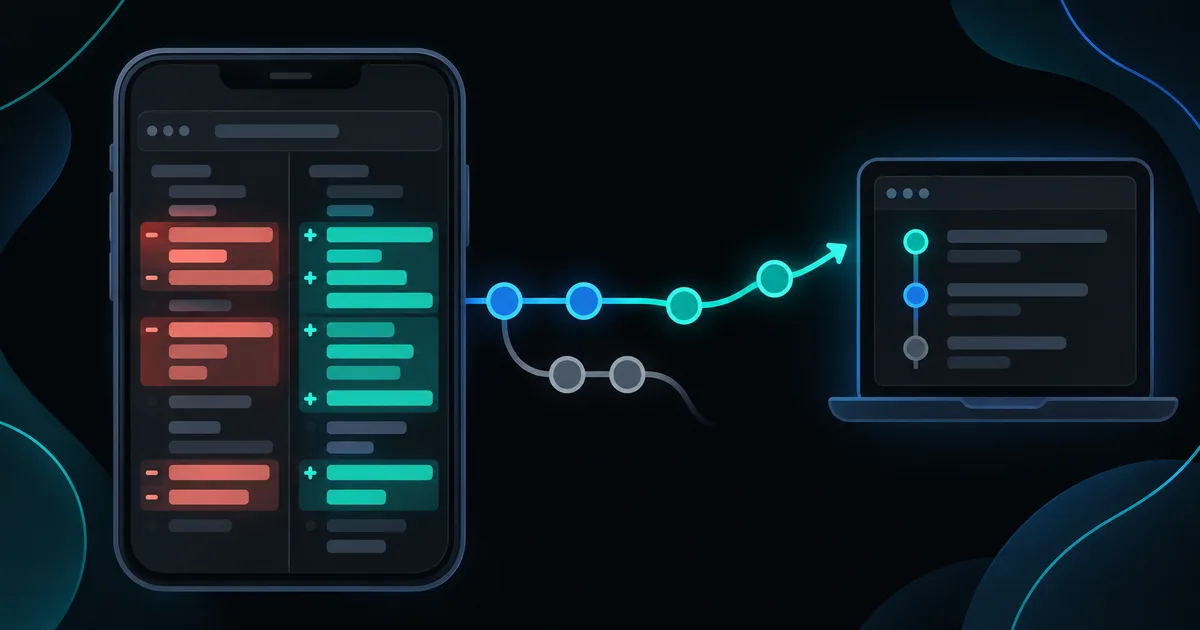
Interactive example
Review and commit a sample change
The sample repository has staged and unstaged changes. All edits and commits stay in this browser example.
Open a changed file, stage it, enter a message, then commit and push.
Open a changed file to inspect its diff. Stage only the changes you want, enter a commit message, then commit and push the sample repository.
Check both Staged Changes and Changes before committing. History shows the sample commits you create.
Sample data only. You can use the controls yourself; automatic playback pauses when you interact. The steps below also work as a text guide.
TL;DR: Thumbdesk's project Git view lets you inspect changed files, stage the ones you want, write a commit and push from your phone. The repository and its Git credentials stay on the host computer. Start by checking the current branch and existing changes, then review the staged set before committing. We build Thumbdesk; the interactive sample above lets you practise the flow without changing a real repository.
Review Git changes before you commit and push from your phone#
Open a repository in the host's project view and choose Git. Read the branch name, working-tree status and ahead/behind counts. If the folder is not a repository, open the correct project or initialise Git deliberately on the host.
Keep the host available. For a repository accessed over SSH, the phone also needs the normal network path and credentials. Git's remote authentication is separate from the SSH or Thumbdesk connection you used to open the project.
Inspect the complete change#
Tap a file under Changes to open its diff. Read additions and removals, check newly added files and look at the staged section too. Changes can come from you, a coding agent or another process working in that checkout.
The sample repository includes a staged tax fix and test, plus other working-tree changes. Review those existing staged files before adding anything else. A commit includes the staged set, including work staged before you arrived.
Large diffs can be truncated in the mobile view. If you cannot inspect enough of a change there, use the terminal or return to a fuller review surface before committing it.
Stage the files you intend to include#
Use the file's stage action after reviewing it. Open the staged section and confirm the set matches the change you want to record. Unstage a file if it belongs to another task. Use Stage All only when you have reviewed everything it will include.
For the checkout example, the implementation and its regression test belong together. An unrelated README edit or deleted legacy file may need a separate commit.
Staging is not the same as saving an editor buffer. Save the file first so Git sees the intended host content, then inspect its diff again.
Write the commit and push#
Enter a message that explains the change, such as Round checkout tax to whole cents, and choose Commit. Confirm that the new commit appears in History and read any error before continuing.
When ready, choose Push. The host needs a configured remote, an appropriate branch/upstream and working Git authentication. Thumbdesk does not replace the repository's existing authentication or create a pull request as part of this action.
| Result | Next check |
|---|---|
| Stage changes before committing | Confirm the intended files are staged |
| Commit fails with identity or hook output | Read the message and fix the repository's Git setup on the host |
| Push is rejected | Inspect the remote/branch state and coordinate with other work before retrying |
| Authentication fails | Check the host's Git credentials for that remote |
| Nothing to push | Confirm whether the expected commit exists and which branch is selected |
Avoid treating Pull or a force push as a universal fix for a rejected push. Inspect the actual branch divergence and use the repository's normal collaboration workflow.
Check the change before recording it#
Open a terminal for the relevant tests and use Web preview for a development page. Our bug-fix walkthrough follows an agent change through both checks.
You can leave reviewed work uncommitted for later. Discard changes is a separate destructive operation, not a way to unstage a file. For staying organised across hosts, see saved workspaces.