PocketShell is now Thumbdesk, and 2.0 is here
PocketShell has a new name, Thumbdesk, and its biggest release: screen sharing for Mac, Windows and Linux, SSH hosts, a redesigned app and a Mac menu-bar agent.

Founder, Thumbdesk · 2 min read
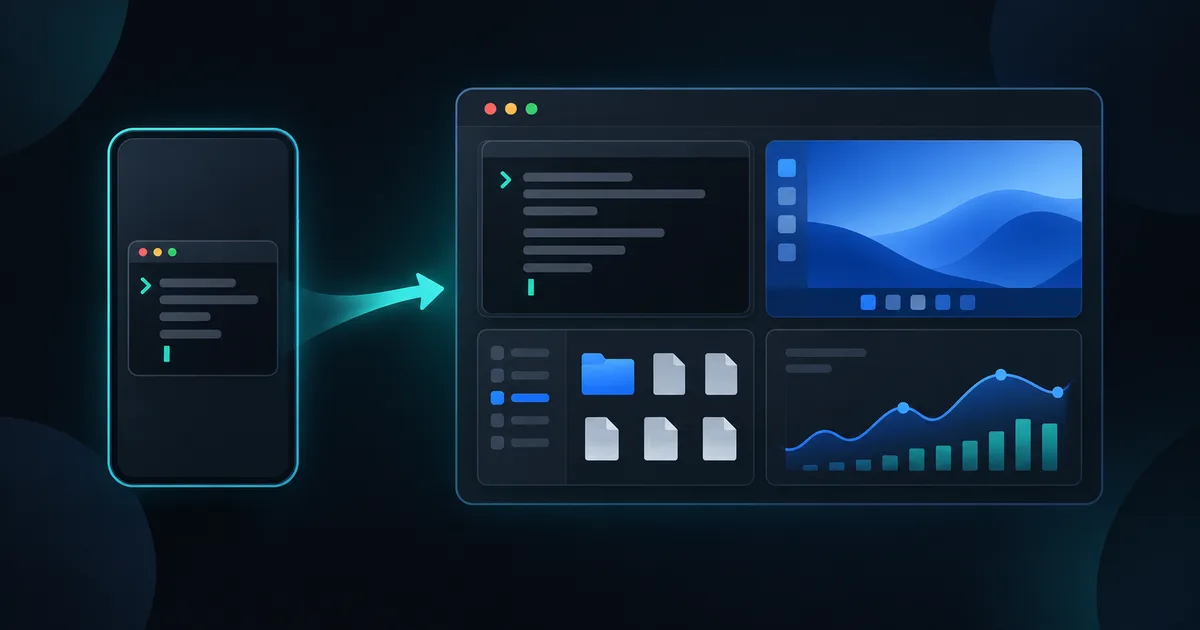
TL;DR: PocketShell is now Thumbdesk, and version 2.0 adds screen sharing, SSH hosts and expanded coding-agent workflows. You can now see and control the screen of a Mac, Windows PC or Linux desktop, add any server over SSH with nothing to install, and use a redesigned app. The app you have updates in place, and your paired machines stay paired. The what's new page has the full list, and pricing is unchanged.
Why PocketShell became Thumbdesk#
PocketShell started as a terminal in your pocket, and it has outgrown that. You can see and control a screen, move files in both directions, open a project with its git history and dev server, and keep an eye on every machine you own. Thumbdesk says what it is now: your desk, under your thumb.
What changes for you#
The mobile app updates in place through the App Store and Google Play. Update the host agent too to use the new capabilities. To get the new agent on your computers, run the update once with the old name, and from then on the command is thumbdesk. pocketshell keeps working as an alias, so scripts and muscle memory are fine.
pocketshell update   # get the 2.0 agent
thumbdesk status     # check it is connected
The headline features of 2.0#
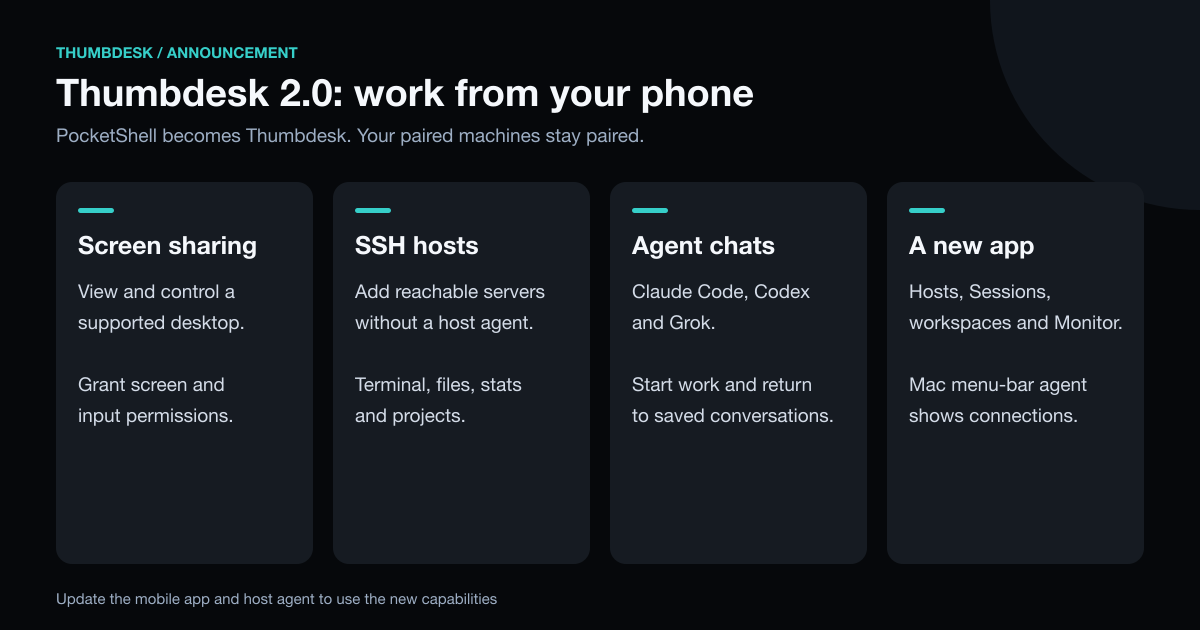
- Screen sharing. View and control a Mac, a Windows PC or a Linux desktop, with a trackpad or direct-touch pointer, pinch to zoom and the machine's sound when you want it.
- SSH hosts. Add a server you can reach over SSH, with no agent: terminal, files, stats and projects. Supported POSIX hosts also offer coding-agent chat.
- Coding-agent chat. Start Claude Code, Codex or Grok work from your phone, read saved conversations and reconnect to supported live chats. Inspect the project's git diff or dev-server preview alongside the conversation.
- A redesigned app. A hosts home with Terminal, Screen, Files and Projects one tap away, a Sessions tab, workspaces and a new Monitor.
- An agent with a home. On a Mac, the agent is an app with a menu-bar item that shows who is connected and who is viewing the screen.
Explore the home-page demos, or follow the setup guide to connect your machine. Grant screen and input permissions on the host before relying on remote screen control.