SSH or the Thumbdesk host agent: choose your connection
Choose SSH or the Thumbdesk host agent for a VPS, home computer or restricted server. Compare setup, reachability, persistent sessions and available tools.

Founder, Thumbdesk · 3 min read
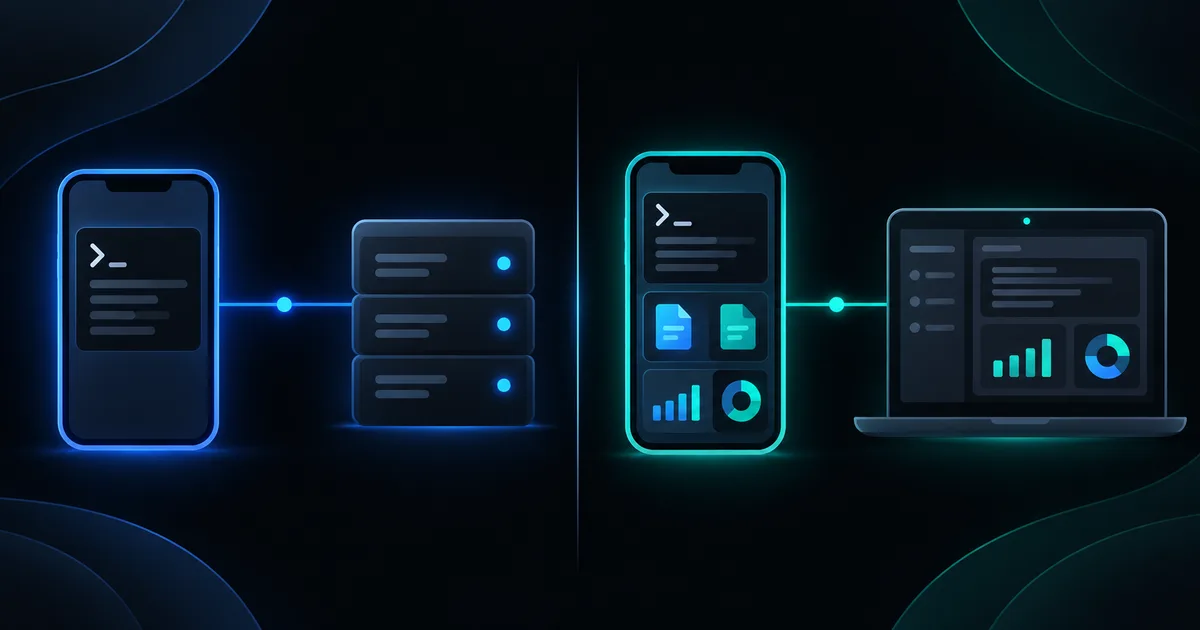
Interactive example
Try adding an SSH host
Walk through the SSH setup with sample credentials. No network connection is made.
Choose SSH, fill in the sample host and test the connection.
Pick “Connect over SSH”, generate a key, then test.
An SSH host gets
- Terminal, in its own tmux session
- Files over SFTP
- Stats from data the server already keeps
- Projects with git
Install the agent for
- Screen sharing
- Sessions survive disconnects
- Alerts and push notifications
- Dev-server preview
The server's host key is pinned on first connect, and the app warns if it ever changes. Credentials stay on the phone, in secure device storage.
Sample data only. You can use the controls yourself; automatic playback pauses when you interact. The steps below also work as a text guide.
TL;DR: Add an SSH host to Thumbdesk when you already have credentials and a network path to the server. Pair the Thumbdesk host agent when you want the app to handle access behind a router and provide background host features. Both routes offer terminal, files, stats and projects. We build Thumbdesk; you can keep SSH and agent hosts together, choosing the connection that fits each machine rather than changing your whole setup.
Choose SSH or the Thumbdesk host agent#
Consider three machines: a VPS with working SSH access, a computer behind your home router and a server where you cannot install extra software. The same connection method need not serve all three.
| Machine | A useful starting point | Why |
|---|---|---|
| VPS with an address your phone can reach | Add an SSH host | Use the server's existing SSH service and credentials |
| Computer behind a home router | Pair the host agent | Its outbound connection handles reachability without a router forwarding rule |
| Server where you cannot install software | SSH, if permitted and reachable | Terminal and file tools can use the existing service |
| Machine needing background alerts, preview or screen sharing | Host agent | Those features depend on the agent connection and host capabilities |
Add a server over SSH#
In the add-host flow, choose SSH and enter the address, port, username and authentication method. Use the password or key authorised for that server. Verify the host-key fingerprint on first connection against a trusted record of the server.
A successful SSH test confirms that the phone can reach and authenticate to the service. Save the host, then try its terminal and Files view. Nothing extra is installed on the server for those views.
The interactive example uses sample connection details. It does not attempt to contact the address you type. On a real private server, a VPN or other network path may still be needed before an SSH test can succeed.
Pair a machine with the host agent#
Install the agent using the instructions on Download. On the computer, run:
thumbdesk pairScan the QR code with the phone app and verify that the intended machine appears. Keep its agent running and the computer awake and online. Test from mobile data to confirm the route you will use outside your home network.
Pairing handles network reachability for that host. It does not change how an unrelated SSH server is reached, and it does not turn the phone into a VPN for every service on your home network.
Which tools depend on the connection?#
Both modes support terminal, files, live stats and projects. Supported POSIX SSH hosts also offer coding-agent chat when the relevant CLI is installed and authenticated there. Windows SSH hosts do not offer that agent-chat path.
Agent hosts add background threshold and online/offline alerts, monitoring widgets, dev-server preview and supported host-to-host transfers. Screen sharing also requires a graphical host and its operating system's capture and input permissions.
For persistent terminals, agent hosts manage sessions independently of the phone connection. SSH hosts use tmux when available. A saved workspace restores a tab arrangement; the underlying host and terminal still need to be available.
Choose per machine and test a task#
Add one host and complete a familiar job: read a file, run a command or open a project. If you need an agent-only feature, install and pair the agent on a machine where you have permission to do so.
Free supports two hosts across the connection types. See pricing for the other limits and security for their authentication and transport details. Our home-server access guide explains private-network options in more detail.