Control OpenAI Codex From Your Phone: 3 Options (2026)
Start Codex from your phone, continue saved conversations and review project changes with Thumbdesk. Compare ChatGPT mobile and SSH with tmux.

Founder, Thumbdesk · 5 min read
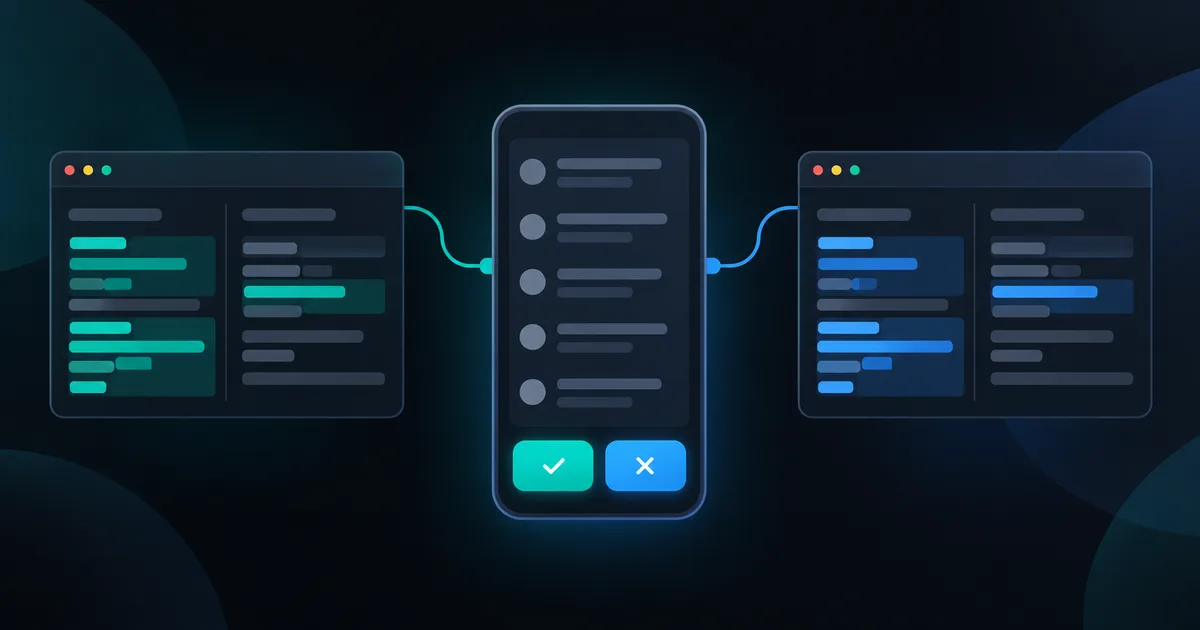
TL;DR: Thumbdesk lets you start Codex on your computer from your phone, continue saved conversations and inspect the project's files and git changes. Pair the computer, choose Codex in Chats and pick the folder to work in. The host runs the Codex CLI using your existing access. This guide covers that workflow alongside Codex in ChatGPT mobile and SSH with tmux. We build Thumbdesk; its iOS and Android apps are free for two machines.
How to control Codex from your phone with Thumbdesk#
You might want to ask Codex for a change during your commute, check a test result or return to work started earlier. Thumbdesk gives you a chat for the task and direct access to the project when you want to look at the result yourself.
1. Connect the computer where you work#
Install the Codex CLI and sign in on your Mac, Linux machine or Windows PC. Then follow the host installation instructions on the download page, run thumbdesk pair and scan the QR code with the phone app.
The paired agent can reach a host behind a home router without port forwarding. Keep that computer awake and online with its host agent running. Check the connection over mobile data before leaving it unattended.
2. Start a task in the right project#
Open the host's Chats view, create a chat, choose Codex and select the project folder. Choose a model, reasoning effort and approval mode, then describe the change you want.
For example: ask Codex to add validation to a settings form and run the project's tests. Follow its progress in chat and send a follow-up when you want to adjust the task.
3. Review and try the result#
Open the project's git view to inspect the diff, read an edited file or switch to the terminal to run a command. For web projects, open a preview of the dev server running on the host. Claude Code and Grok are also available in the app when installed and configured on the computer.
Pick up an existing Codex conversation#
Thumbdesk reads saved Codex sessions on the host, including sessions started with the regular codex command. You can open their history and resume supported conversations in chat or a terminal. Free accounts have access to their latest ten agent sessions.
Thumbdesk reconnects to its own live agent sessions when available. Opening a historical session resumes the saved conversation; it does not mirror an unrelated terminal process that is still running at your desk.
Enable notifications and install the host hooks with thumbdesk hooks install for supported completion and attention events. Your phone can then let you know when work needs another look.
Three ways to use Codex from a phone#
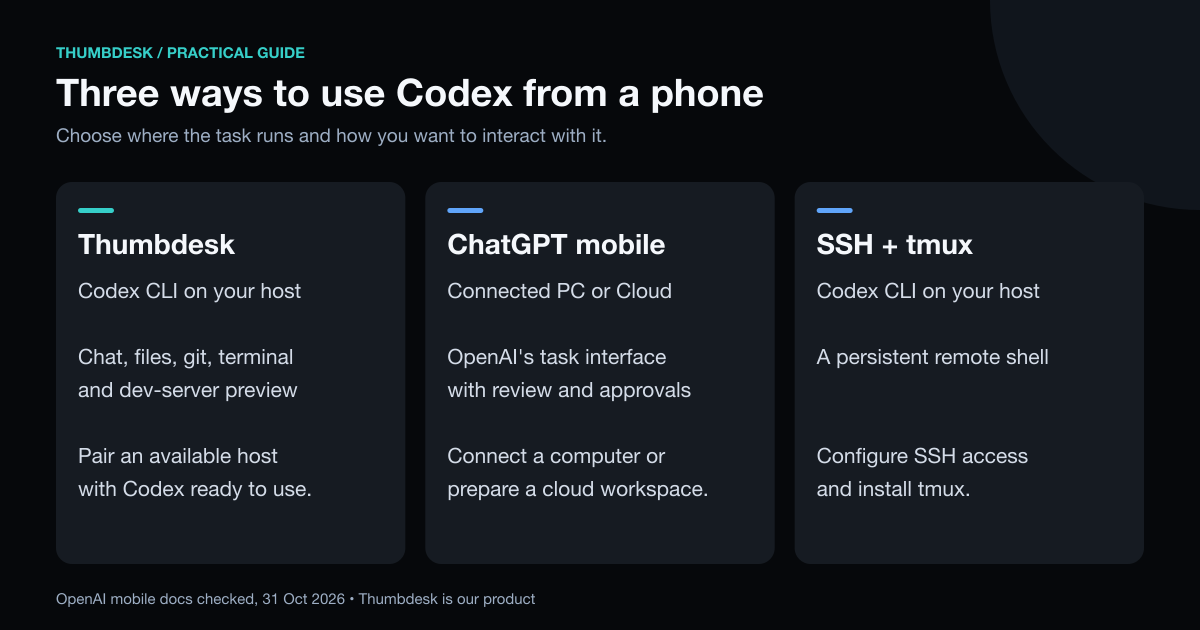
| Approach | What you work through | What you prepare |
|---|---|---|
| Thumbdesk | Codex chat, saved sessions, project files, git, terminal and preview | Codex CLI on a paired, available host |
| Codex in ChatGPT mobile | OpenAI's task, conversation, review and approval interface | A connected computer, or a configured cloud environment |
| SSH with tmux | Codex running in a terminal | SSH access, Codex CLI and tmux on the host |
Codex in ChatGPT mobile#
OpenAI's mobile documentation describes starting tasks, guiding work, reviewing changes and approving requested actions from ChatGPT. Tasks can run on a connected Mac or Windows PC, or in a cloud environment. Availability depends on rollout and workspace settings; the linked guide gives the current setup steps.
Those execution environments matter. A task on your connected computer uses that computer's environment. A cloud task uses its configured cloud workspace. Thumbdesk's chat uses the Codex CLI on the host you select.
SSH with tmux#
An SSH client also works when your phone can reach the computer. Start a persistent shell and run Codex there:
tmux new -A -s codex
codex
Reattach to that tmux session when you reconnect. If reaching a machine at home is the missing step, see our guide to access without port forwarding.
What do you need to pay for?#
Thumbdesk uses the Codex access already configured on your host. Model usage stays subject to that account's limits and billing.
Thumbdesk Free includes two hosts, terminal, files, live stats and the latest ten agent sessions. Screen sharing includes two minutes per hour. Pro adds full agent history, stats history and other expanded limits; it is $4.99 a month or $39.99 a year, with a $99 Lifetime option. The pricing page has the complete list.
Where does the work run?#
Through Thumbdesk, commands run and project files are edited on your chosen host. Codex still sends prompts and relevant project context to OpenAI's models, as it does at your desk.
Current Thumbdesk host agents seal chat traffic end to end. Terminal traffic uses WebRTC or TURN when available; the separate signaling-terminal fallback is encrypted in transit with TLS, but our application relay can read it. See the security architecture for the connection paths.
Download Thumbdesk and try a task in a familiar project. You can also use Claude Code through the same app and paired hosts.
Questions people ask#
Can I use Codex from an Android phone or iPhone?#
Yes. Thumbdesk has iOS and Android apps that connect to the Codex CLI on your host. OpenAI also documents Codex through ChatGPT mobile. An SSH client is another route when the phone can reach the computer running Codex.
Can I use a Windows or Linux host?#
Thumbdesk's host agent supports Windows, Linux and macOS. Install and authenticate Codex on the chosen computer before pairing it. OpenAI's linked mobile guide describes connected Mac and Windows computers, as well as cloud environments; check that guide for its current requirements.
Is using Codex from my phone free?#
Thumbdesk Free supports two hosts and the latest ten agent sessions. It uses the Codex access you already have, with that account's usage limits and billing. OpenAI's own mobile availability and allowances depend on its current plans and workspace settings. A free phone interface does not include unlimited model usage.
Do my local files move to OpenAI, and does Thumbdesk replace ChatGPT?#
Thumbdesk runs the Codex CLI in the project on your host. Codex still sends prompts and relevant context to OpenAI; local execution does not mean that model requests stay offline. Thumbdesk supplies the phone interface and host tools, while your Codex authentication, model access and provider terms remain separate.
Product details were checked against the app and host implementation. OpenAI details use its linked mobile documentation, checked on 31 October 2026. See our methodology and corrections.
Figures in this post were read on 31 October 2026 and may have changed since.