Thumbdesk vs Happy (2026)
Compare Thumbdesk and Happy for mobile coding-agent work: starting tasks, continuing sessions, checking changes, setup, privacy and free plans.

Founder, Thumbdesk · 5 min read
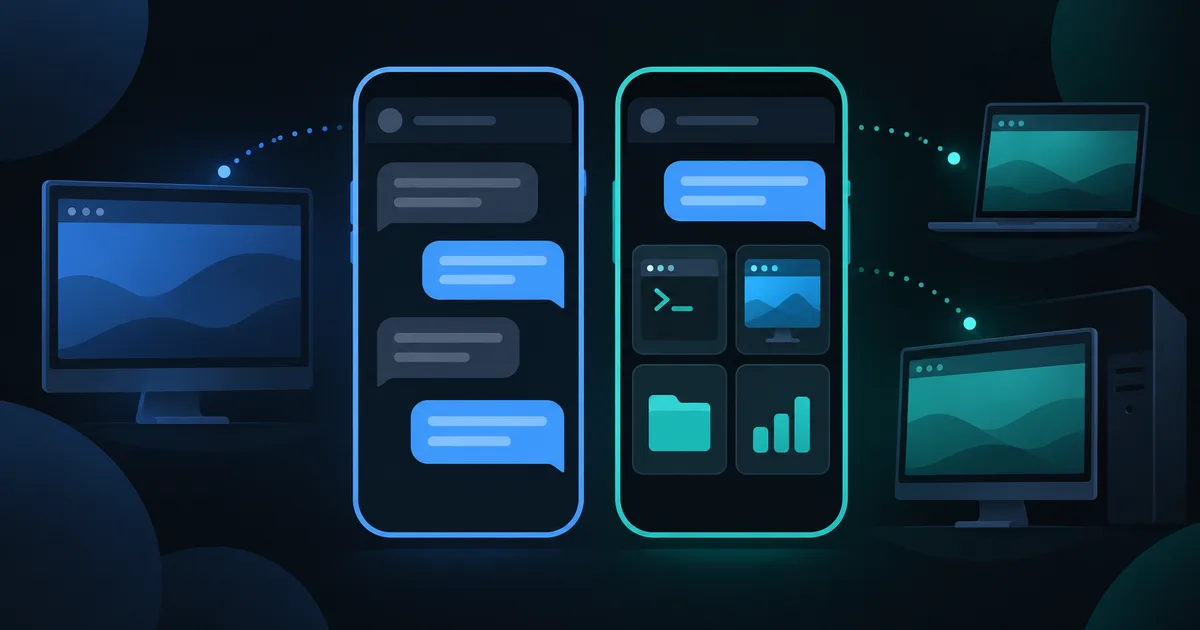
TL;DR: Thumbdesk and Happy both let you work with coding agents from your phone. Thumbdesk brings Claude Code, Codex and Grok conversations together with project files, git, a terminal and previews on your own machines. Happy offers a free, open-source agent harness with desktop and mobile apps. We build Thumbdesk. This comparison focuses on starting work, continuing existing conversations and checking the result, so you can choose around the workflow you want.
Thumbdesk vs Happy: compare the workflow#
If you knew the app as PocketShell, Thumbdesk is its new name.
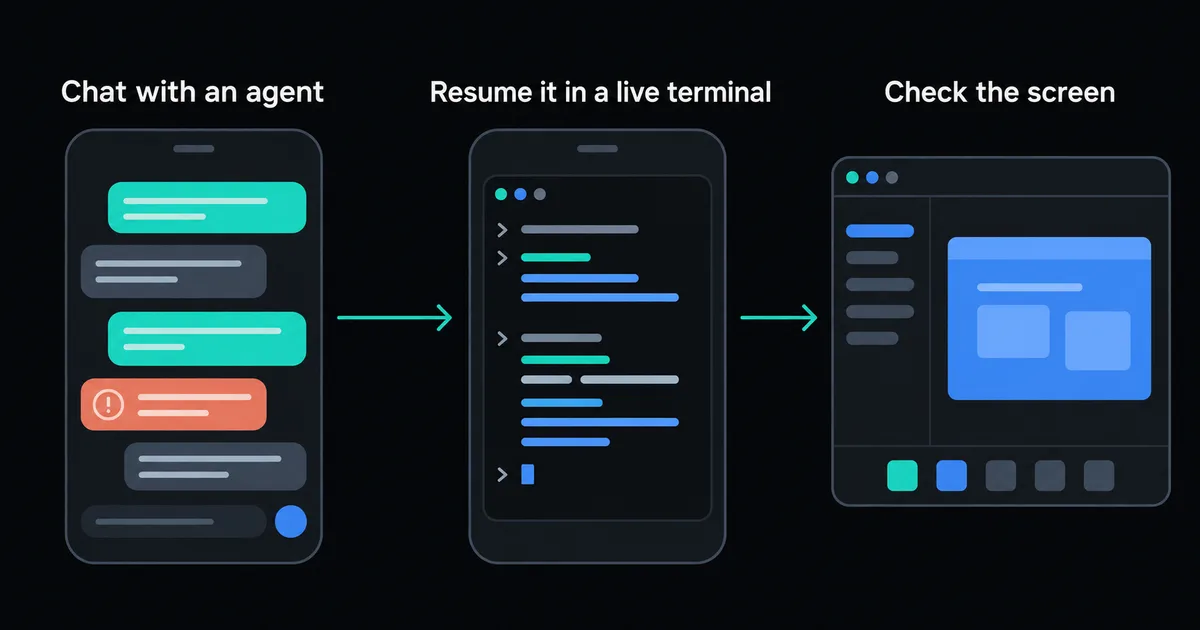
Imagine asking an agent to fix a page while you are away from your desk. Sending the request is the first step. You may then want to read the changed file, inspect the diff, try the page and make a follow-up change.
In Thumbdesk, those steps sit alongside the conversation on the same host. Open the project to see its files and git changes, preview its dev server, or use the terminal for a command. Screen sharing gives you another way to inspect a desktop app.
Happy's current product is an agent harness with desktop and mobile apps. Its original CLI remains available, and its docs identify that CLI as being in maintenance mode. The mobile app works with both. This matters when choosing setup instructions: the older happy claude workflow describes the CLI option, rather than the only way to use Happy.
Starting and continuing work in Thumbdesk#
Start a task from your phone#
Install the host agent, run thumbdesk pair on the computer and scan its QR code. Have the coding-agent CLI installed and authenticated there. Open Chats, select Claude Code, Codex or Grok, choose the project folder and describe the task.
You can choose the model and approval mode and attach a file or photo. Keep the host awake, online and running its agent; a particular coding conversation does not need to have been launched before you leave.
Return to an existing conversation#
Thumbdesk discovers saved agent sessions on the host, including conversations started with the normal claude or codex command. Open their history and continue supported conversations in chat or resume them in a terminal.
A live chat managed by Thumbdesk can reconnect to its running agent. Resuming saved history is a separate operation: it continues the recorded conversation rather than taking control of an arbitrary terminal window. Free accounts can access the latest ten agent sessions.
Check the result yourself#
Open the project's git view, inspect a diff and read the edited file. Try a web change through the host's dev-server preview. Use the terminal to run a test, or open the screen when you need the desktop. These tools also help with work you do without an agent.
The differences to compare#
| Area | Thumbdesk | Happy |
|---|---|---|
| Agent choice | Claude Code, Codex and Grok | Claude, Codex, Grok, Gemini and additional providers |
| Starting work | Choose a host, folder and agent in the phone app | Desktop harness and mobile app; original CLI is also available |
| Existing work | Discover saved host sessions and reconnect to supported live chats | Mobile continuation of Happy sessions |
| Around the conversation | Host terminal, file editing and transfers, git, dev preview, screen sharing and monitoring | Explore the current harness for the agent and project tools you need |
| Source and deployment | Closed source; uses Thumbdesk's account and connection services | MIT open source; docs include self-hosting |
| Cost | Free for two hosts; Pro and Lifetime options | Free core app; bring your own agent access |
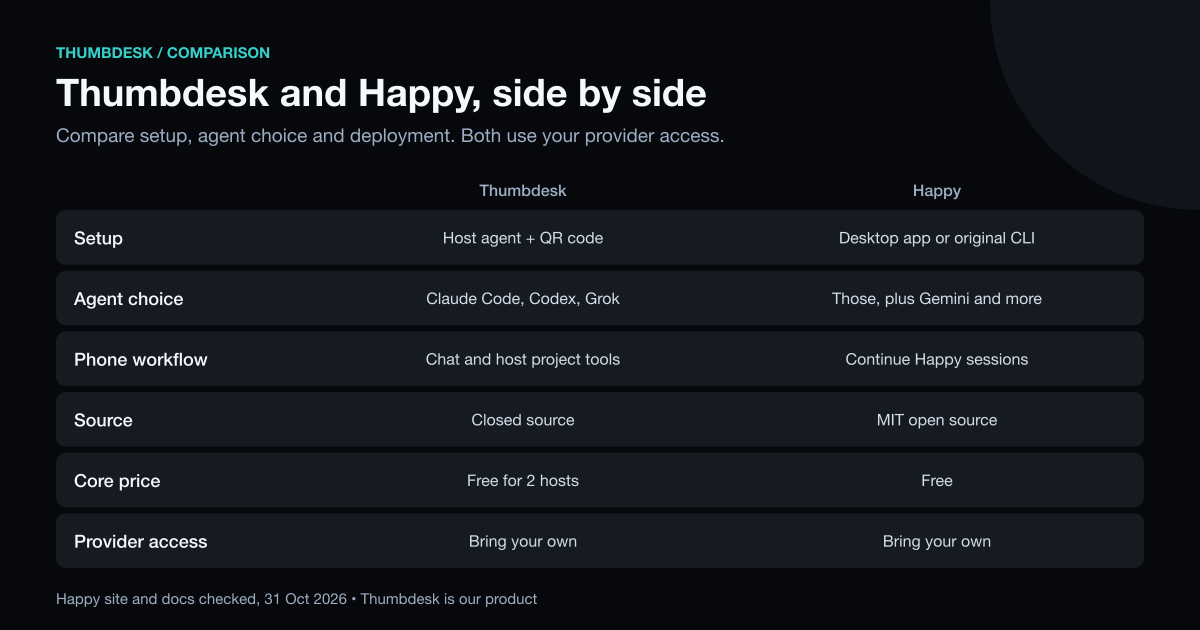
Thumbdesk is useful when you want to continue coding conversations and work directly with the project from your phone. Happy is worth comparing if its provider selection, desktop harness or open-source deployment matches what you need. Try the same small task in each and check how you return to it and review the changes.
Notifications and privacy#
Thumbdesk's host hooks enable supported completion and attention events. Install them with thumbdesk hooks install, then enable notifications in the app. On iOS, Live Activity can show running agents on the Lock Screen.
Happy documents encrypted mobile sync and notifications for agent sessions. Its security guide explains the original CLI's encryption model, and its current site describes the desktop product.
With current host agents, Thumbdesk seals agent chat end to end. Terminal traffic uses WebRTC directly or through TURN; a separate signaling-terminal fallback uses TLS and is readable by our application relay. Our security architecture explains the paths and host verification. Whichever interface you use, the coding agent still sends prompts and relevant context to its model provider.
What is included in Thumbdesk Free?#
Free supports two hosts, the latest ten agent sessions, terminal, files and live stats. File transfers are limited to 5 MB each, and screen sharing includes two minutes per hour. Alert and project-space limits are listed on the pricing page.
Pro costs $4.99 a month or $39.99 a year and includes full agent history, ten hosts, unlimited screen sharing and the other Pro features. Lifetime gives you Pro for $99 once. Your coding-agent account and model usage remain separate.
Download Thumbdesk to try a conversation in a project you already use. The Claude Code guide and Codex guide walk through setup.
Product details were checked against the app and host implementation. Happy descriptions use its current site, CLI documentation and self-hosting guide, checked on 31 October 2026. See our methodology and corrections.
Figures in this post were read on 31 October 2026 and may have changed since.